Basic Operations
Account and Permission Management
User account creation, permission setup, and password configuration are performed by DCT’s IT engineering team according to enterprise needs.
Initial Program Execution and Activation
- Shortcut file (recommended on desktop) name (default):
DataCenterConfiguration.exe。
- Double-click to open and enter the monitoring dashboard.
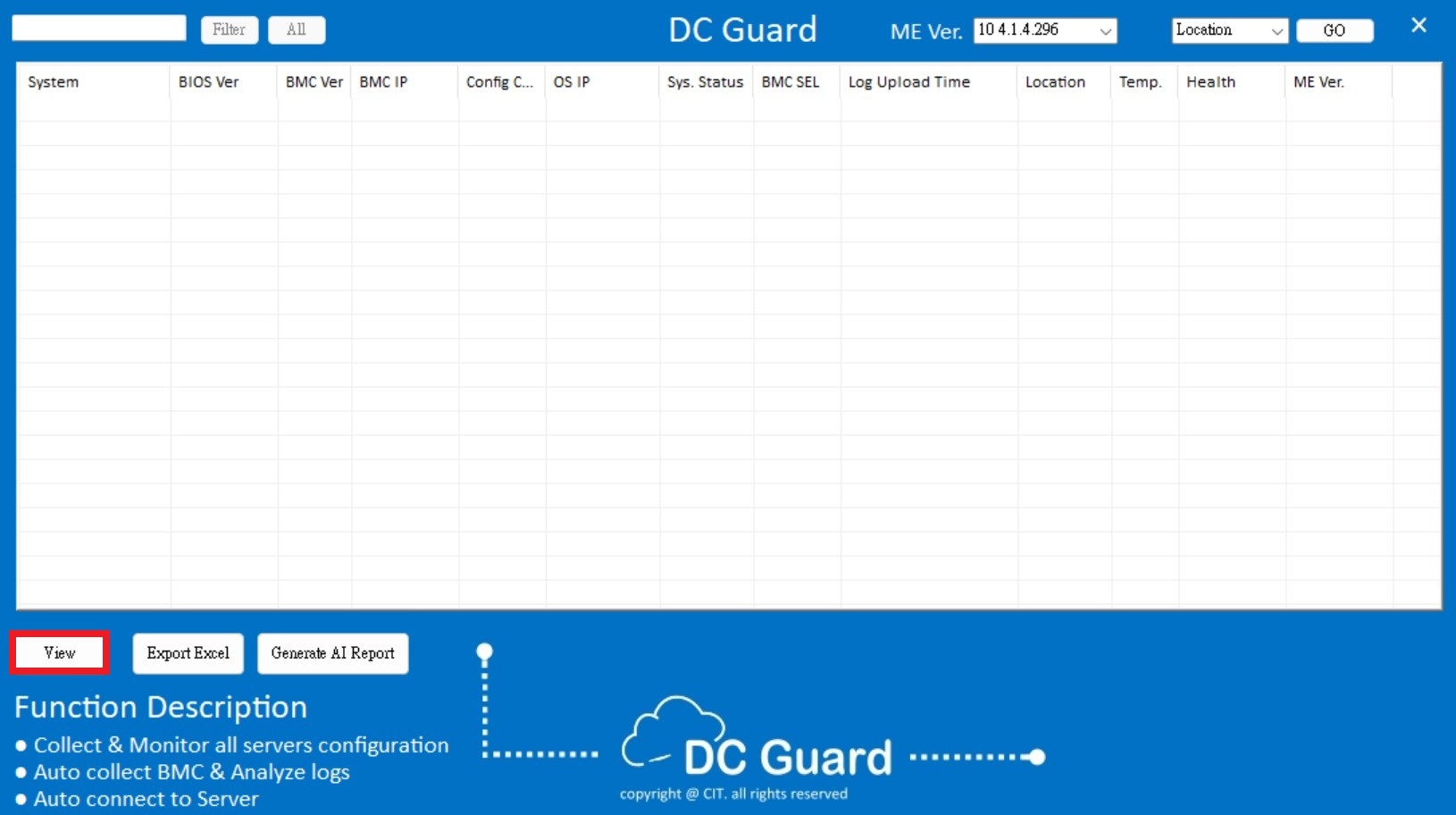
- Click
Viewat the bottom left to fetch all monitored device data for the first time.
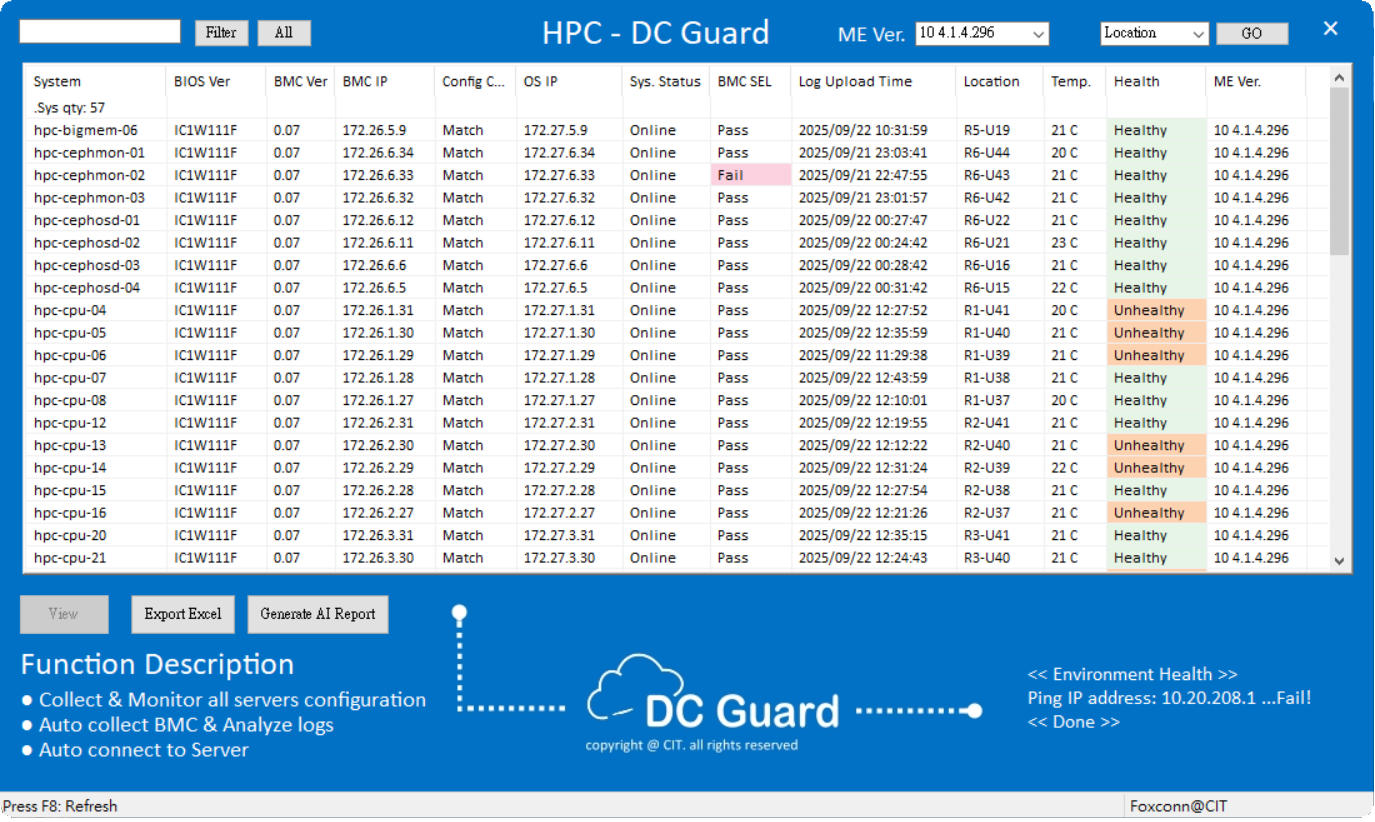
- Data refresh frequency is set during initial deployment and can be adjusted via your DCT contact.
SSH Remote Connection
- Hover the mouse over the desired device row — it turns blue.
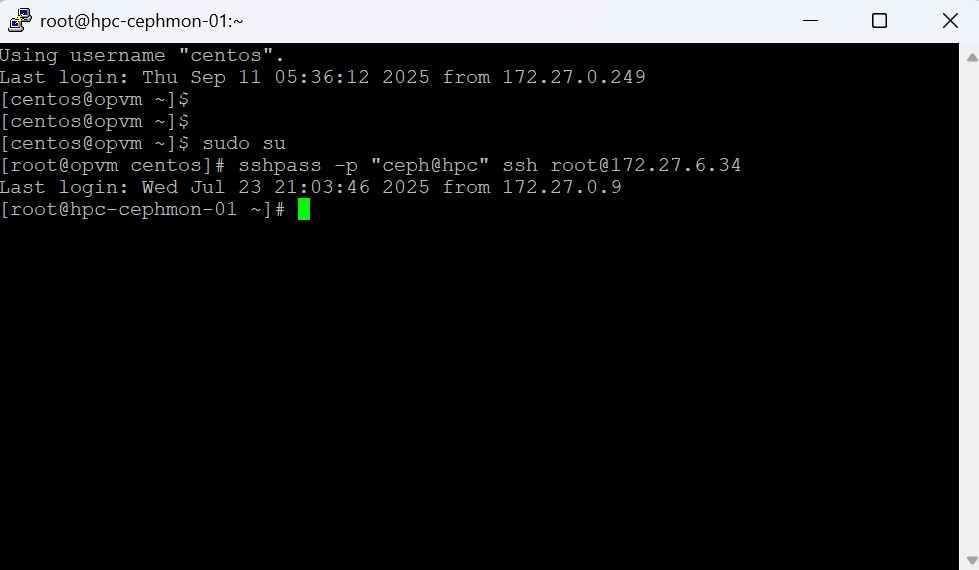
- Right-click : SSH To
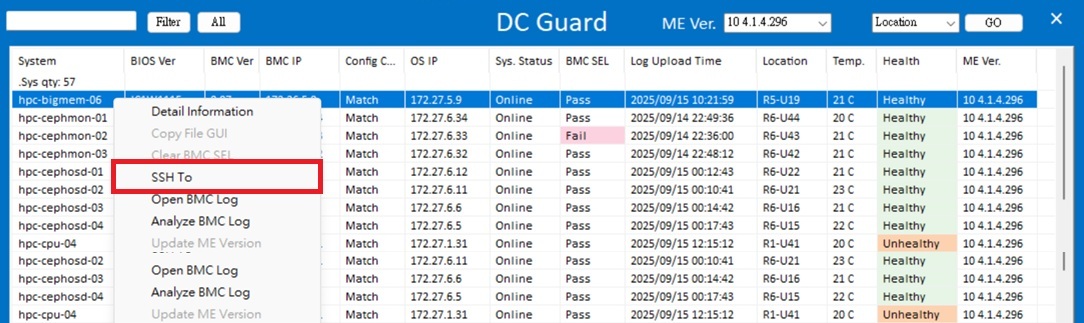
Opens a remote OS terminal for command-line operations.
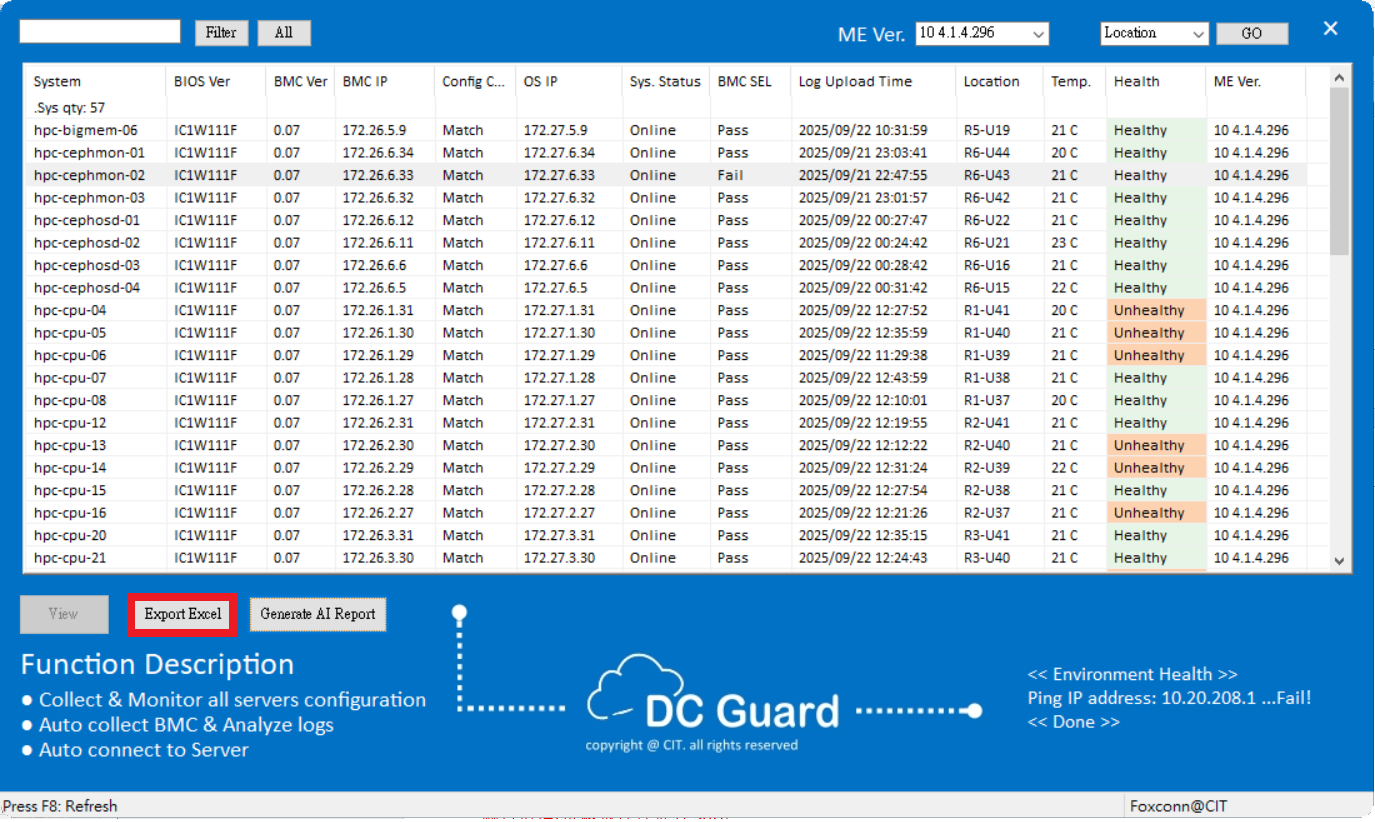
Export Reports
- Click “Export Excel” to export all monitored parameters.
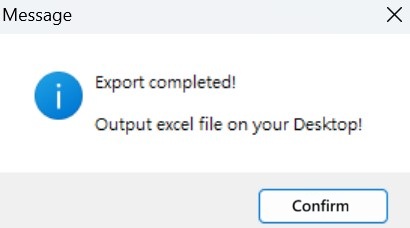
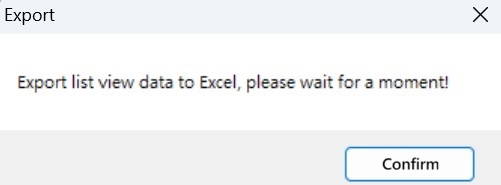
- A pop-up window will appear while data is being exported.
- The exported report (.xlsx format) is automatically saved on the desktop.